
Autodesk Inventor iLogic Configurator for 648,000 Machine Size Configurations
GMD developed an Autodesk Inventor iLogic configurator capable of generating 648,000 machine size configurations. User selections drive the dimensions and arrangement of a modular vertical storage machine within one parametric CAD workflow.
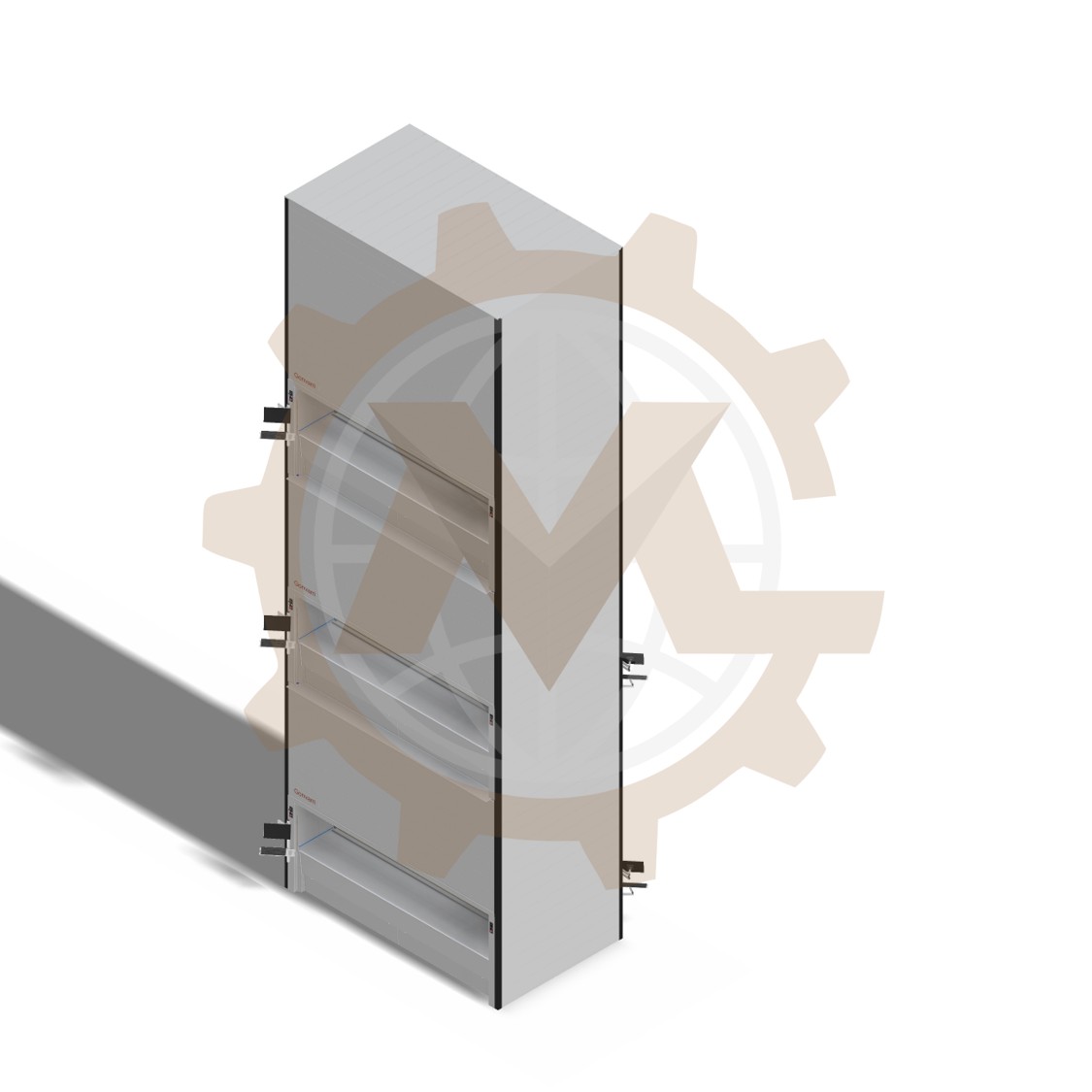
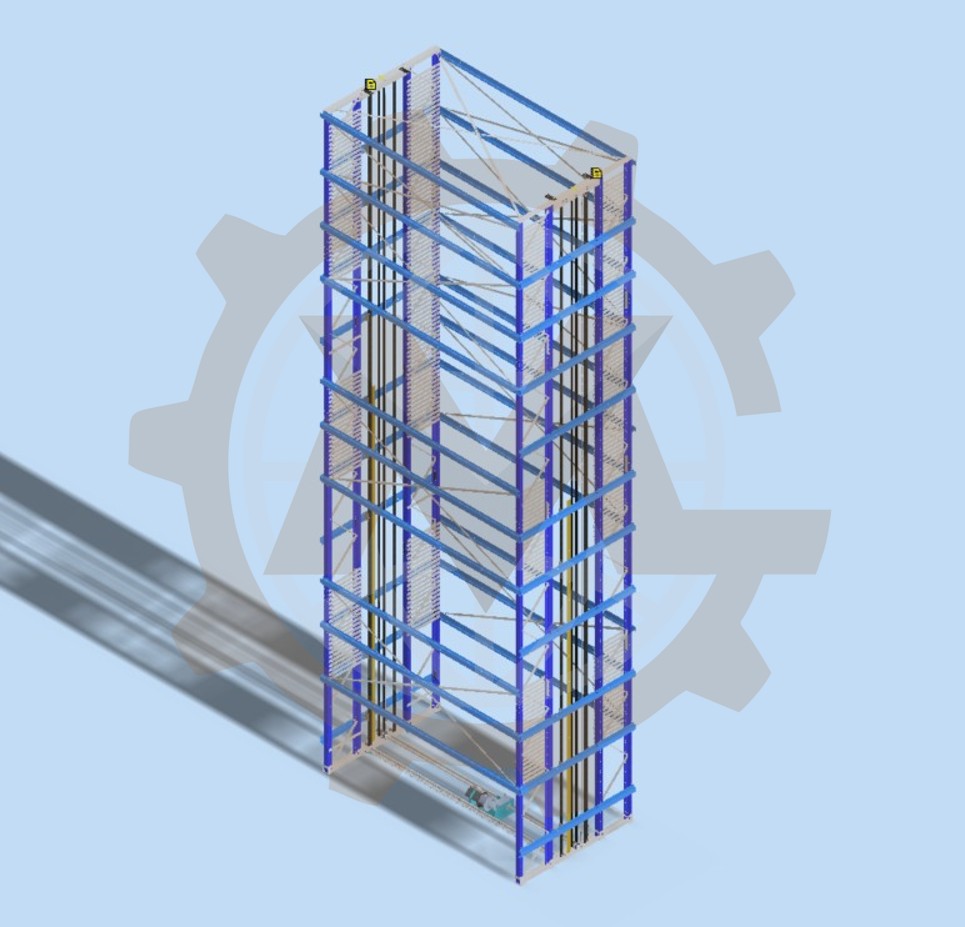
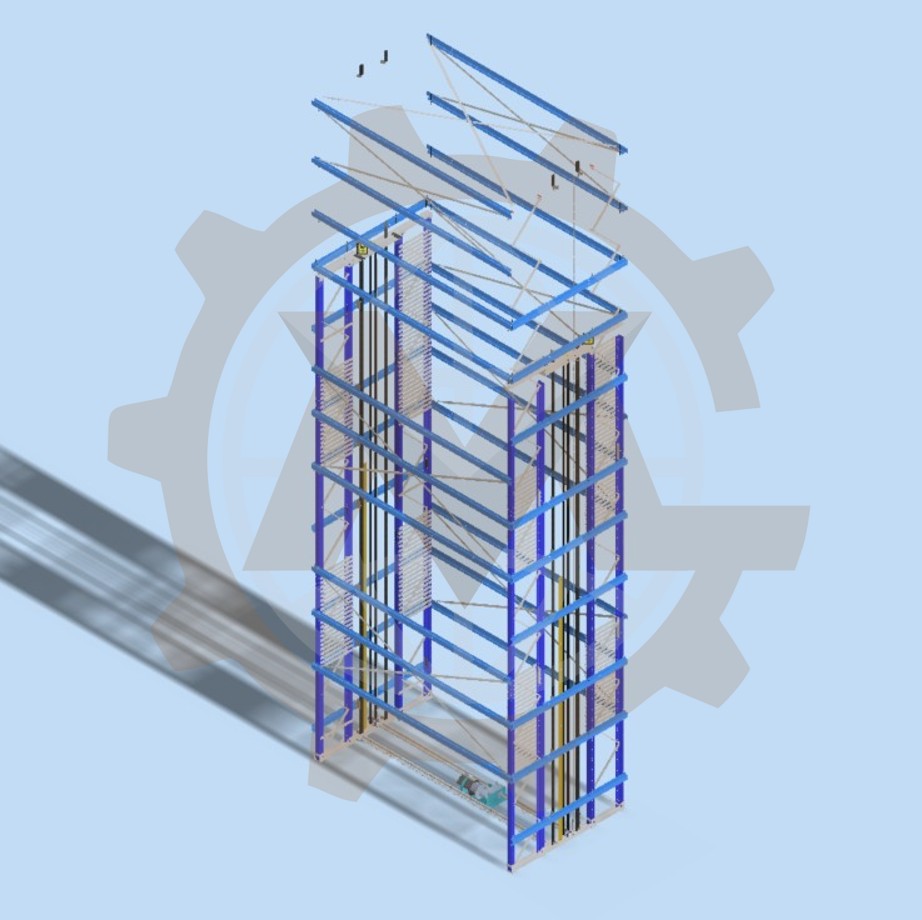
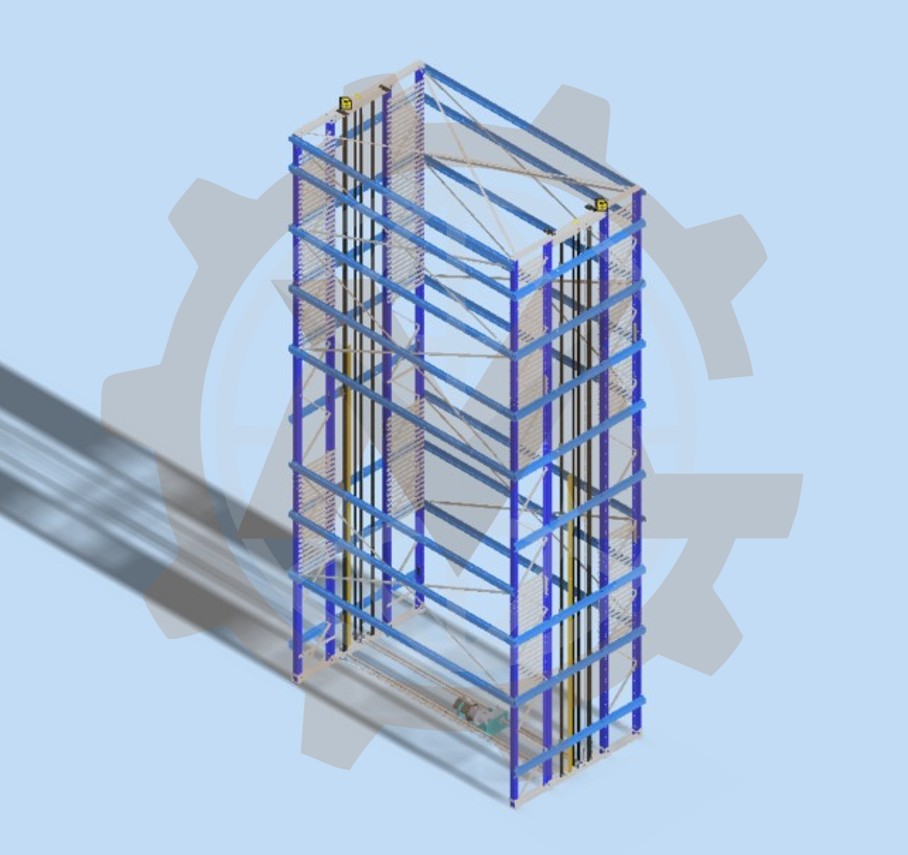
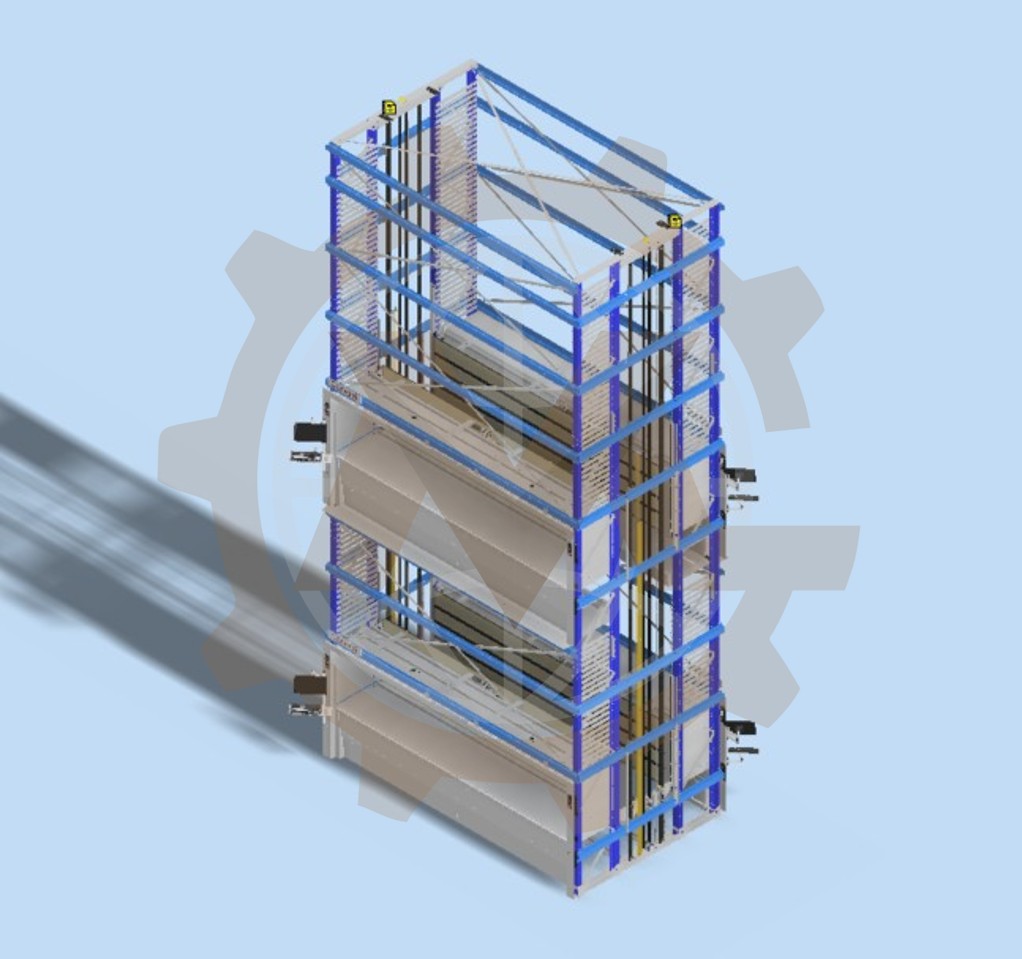
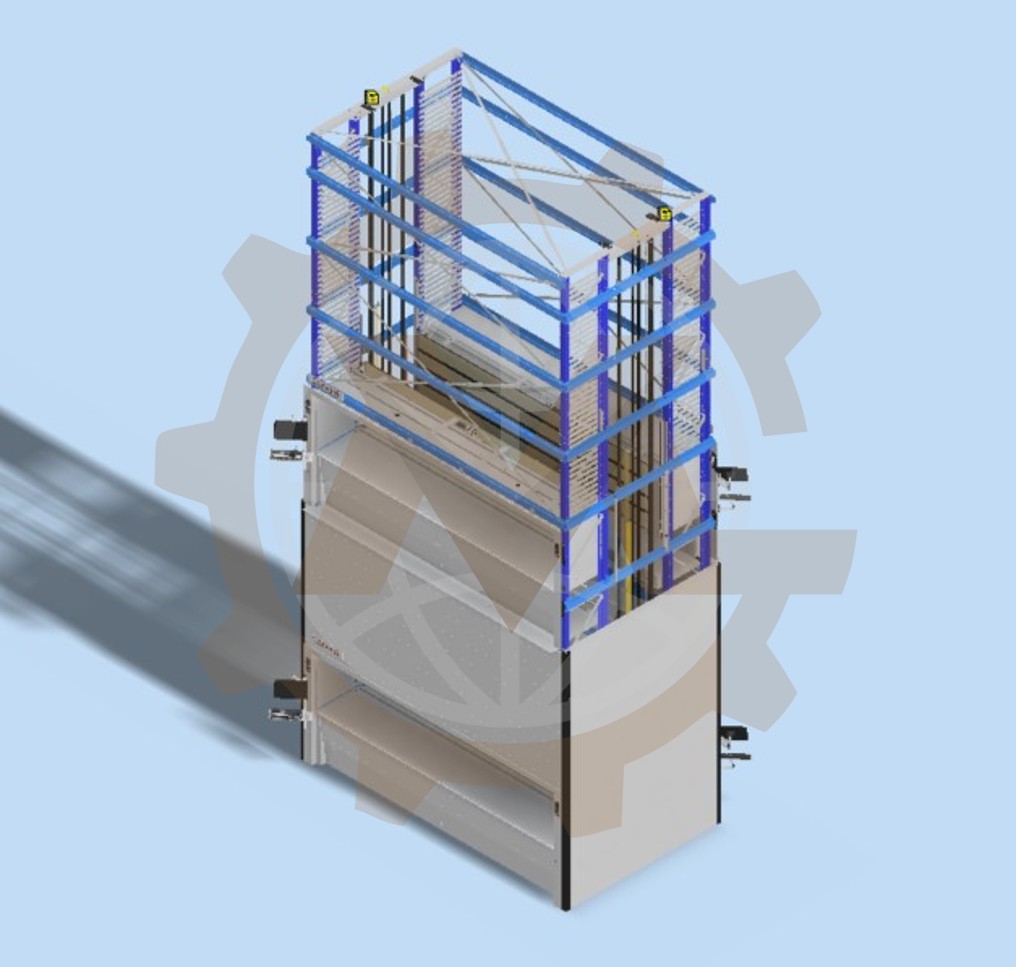
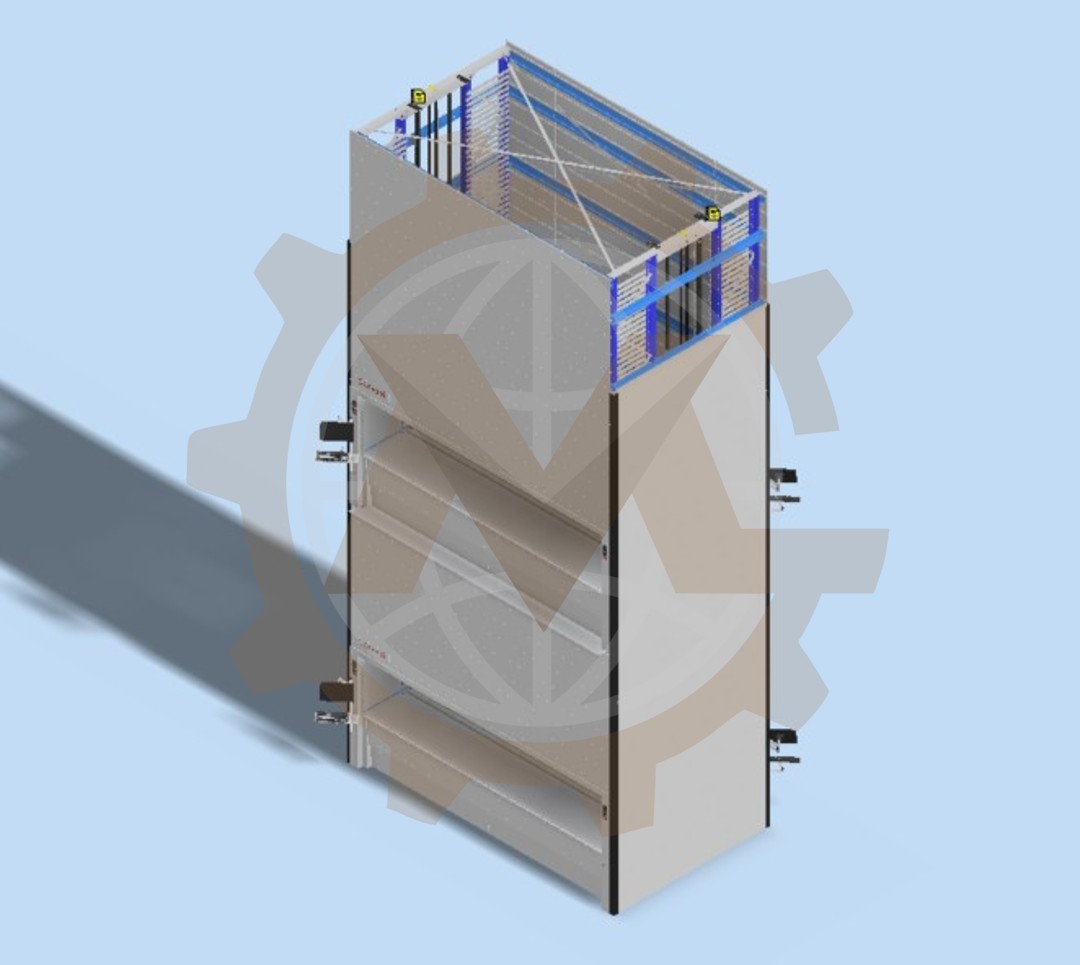
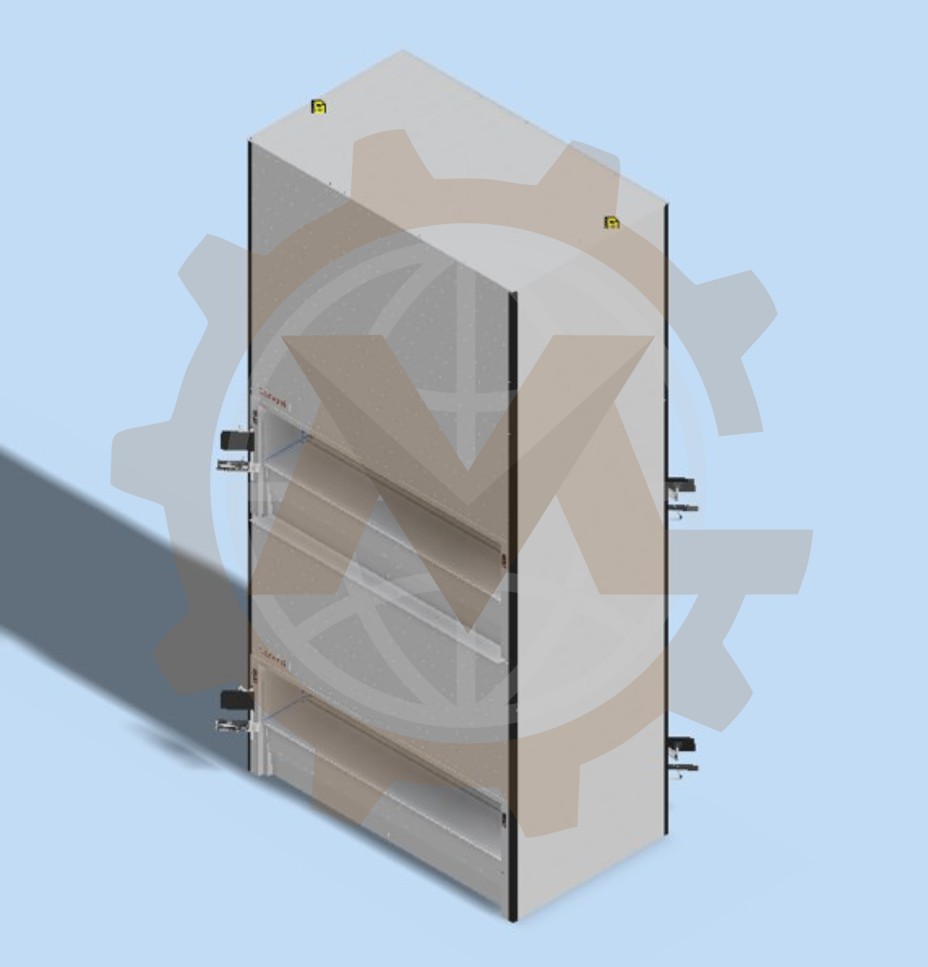
A machine offered in many sizes creates a demanding CAD management task. Each size can affect the frame, internal modules, covers and access openings. Building a separate model manually for every size would require extensive engineering work.
GMD developed an Autodesk Inventor iLogic configurator for a modular vertical storage machine. Based on the available dimensional inputs and design rules, the system can generate 648,000 machine size configurations from a controlled parametric assembly.
1. Why a Vertical Storage Machine Needs Thousands of Size Options
The client develops vertical storage equipment for installations with different space and operating requirements. Each project may require a different machine height, width, tray depth or arrangement of access openings.
The client needed a repeatable way to generate the required machine size while maintaining a consistent engineering model. Client and product identifiers are withheld for confidentiality.
2. Coordinating Dimensional Changes Across the Entire Assembly
Changing the overall size of the machine affects more than its outer dimensions. The frame, internal modules and covers must respond to the selected inputs, while openings must remain in valid positions.
The challenge was to connect these dimensional relationships through iLogic so that users could generate a chosen machine size without manually editing each affected component.
3. The Dimensions and Options That Drive the Configurator
The configurator uses defined inputs for:
- Machine height, selected in permitted increments.
- Machine width, selected from approved options.
- Tray depth.
- Optional front and rear openings.
- Height and position of additional openings.
- Relevant tray and internal arrangement options.
Together, the permitted input values allow the system to generate 648,000 machine size configurations.
4. Keeping Frames, Modules and Openings Within Design Limits
Every generated size must follow the product’s dimensional rules. The selected openings must fit within the machine envelope, and changes to the frame must be reflected in the internal modules and covers.
The model also requires a controlled update sequence. Major assembly groups update in stages so that components dependent on earlier dimensions receive the correct parameters.
5. Choosing a Scalable Approach to Machine Size Generation
| Approach | Consideration |
|---|---|
| Separate CAD model for every size | Impractical to create and maintain at this scale |
| Manual resizing of a master assembly | Requires repeated edits to related components |
| Parametric assembly controlled by iLogic | Generates the selected machine size using defined inputs and rules |
The project uses a parametric Inventor assembly controlled by iLogic.
6. How iLogic Generates the Selected Machine Size
The user selects the required machine dimensions and options through a configuration interface. iLogic rules then update the Inventor parameters, parts and subassemblies associated with those selections.
The update process follows the machine structure, including the frame, internal modules and covers. The resulting 3D assembly represents the selected machine size.
7. The Rules Behind 648,000 Machine Size Configurations
The 648,000 figure refers to machine size configurations that can be generated from the defined dimensional options and their permitted combinations. It does not mean that 648,000 CAD files are stored in advance.
The rules control dimensional relationships between the selected machine size, opening positions and internal component arrangement. They also determine which components must update when an input changes.
8. Autodesk Inventor and iLogic in the Configuration Workflow
- Autodesk Inventor: parametric modeling of parts and assemblies.
- Autodesk Inventor iLogic: user inputs, dimensional rules and automated assembly updates.
- Inventor BOM tools: parts list for the generated machine configuration.
- STEP export: exchange of the generated 3D model.
9. What the Configurable CAD System Produces
The project includes a configurable 3D assembly, iLogic rules, a user input interface, automated component updates, a BOM workflow and STEP export for the selected machine size.
10. One Parametric Model, 648,000 Machine Sizes
One parametric CAD workflow can generate 648,000 machine size configurations. Instead of remodeling the machine for each dimensional variation, the user selects the required inputs and runs the configurator to create the corresponding assembly.
11. Inventor Automation for Configurable Machinery
This project demonstrates GMD’s work in mechanical design and Autodesk Inventor automation. The same approach can be applied to modular machinery and other products offered in a large range of sizes.
12. Need to Configure a Large Range of Machine Sizes?
If your equipment is offered in many sizes, GMD can help define the dimensional rules, prepare the parametric CAD model and develop an Inventor iLogic configurator for your engineering workflow.
Contact GMD to discuss your product range and required outputs.